


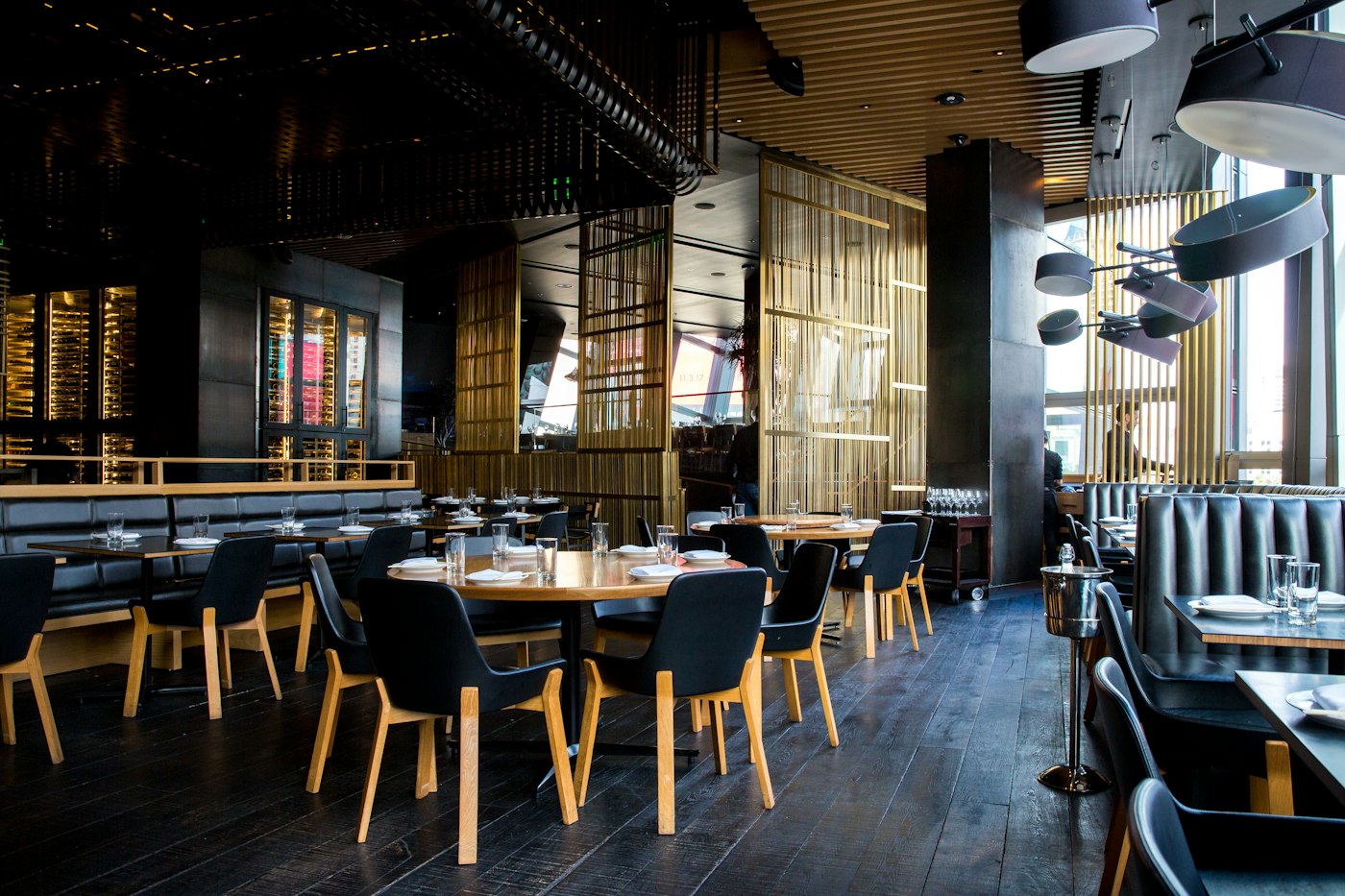
A good restaurant website in Chennai shows your menu with prices, photos of your food, your address on Google Maps, a click-to-call button and a WhatsApp order link. It should load quickly on mobile phones and clearly display your opening hours. If your restaurant is listed on Swiggy or Zomato, include links so customers can find your ordering options easily.
Imagine someone standing in Anna Nagar at 8 pm searching for "biryani near me." They open two or three restaurant listings and make a choice in about a minute. They want to see the menu, dish prices, opening hours and directions. If your website forces them to pinch and zoom a difficult PDF menu, they may simply choose another restaurant.
Your restaurant website design in Chennai should answer customer questions quickly. Visitors should be able to check what you serve, understand your prices and contact your restaurant without struggling to navigate the website.
Start with the features customers use most often. A useful website for a restaurant in Chennai does not need to be complicated, but it must provide accurate and accessible information.
Once the essentials are in place, you can add features based on how your customers order and visit your restaurant.
WhatsApp order button: A WhatsApp link lets customers start an order conversation directly with your business. This can be especially useful for tiffin centres, takeaway counters and home kitchens. Make sure the order process and availability are clear.
Table booking form: Family restaurants and venues that host group meals can benefit from a simple reservation form. Start with the customer's name, preferred date, time and number of people. Explain that the booking is confirmed only after your restaurant responds, if that is your process.
Swiggy and Zomato links: If your restaurant is listed on these platforms, link to the correct restaurant pages. Customers who already use food delivery apps can reach your listing without searching again.
Festival menus and special offers: Update your website with seasonal menus and special dishes for Pongal, Diwali, Ramzan and other occasions relevant to your customers. Remove outdated offers once the promotion ends.
A small dosa restaurant in Mylapore does not necessarily need ten different pages to start attracting customers online. A focused four-page website can provide the information people need:
These pages provide a practical starting point. As the business grows, you can add table reservations, catering information, customer reviews or online ordering. A well-planned small business website design in Chennai can begin with essential information and expand when the business needs it.
Many customers in Chennai, Madurai and Coimbatore are comfortable reading Tamil, English or both. If local customers make up a large part of your audience, consider including Tamil content for important information such as your menu, address, opening hours and contact details.
A bilingual website can make your restaurant more accessible to different customers. Discuss the language options with your web design company and ensure that Tamil text displays correctly on phones and computers.
Your website and Google Business Profile should display the same restaurant name, address, phone number and opening hours. Add your website link to your profile, keep the details updated and invite satisfied customers to leave honest reviews.
Accurate information across your website and business profile helps potential customers verify that they have found the right restaurant when searching for phrases such as "restaurant near me." Your website should also make it easy for visitors to get directions or contact you.
Before hiring a developer, ask to see restaurant websites or similar business projects they have completed. Check whether the websites work well on mobile, whether menus are easy to update and whether you will have access to your domain, hosting and website files after launch.
It is also worth understanding the expected budget before you start. Read our guides on how to choose a web design company in Chennai and website design cost in Chennai to help plan your project.
You can also explore Sanishsoft website design services and our SEO services in Chennai to understand how website development and search visibility can support your restaurant.
Sanishsoft designs business websites with mobile usability and clear customer information in mind. Tell us about your restaurant, the type of food you serve and the features you need. We can suggest suitable pages and practical options for your business.
Contact us on WhatsApp at +91 90801 46764, or visit our contact page to discuss your restaurant website.
What pages does a restaurant website need?
A restaurant website needs a home page, menu, gallery and contact page with map and phone number. You can add booking, festival menus and an about page later.
Should I put my menu as a PDF or on the page?
Put the menu on the page as text. PDFs can be difficult to read on phones, especially when customers need to zoom in. Text menus are easier for customers to browse and help search engines understand your dishes and prices.
Can customers order through my website?
Yes. A simple WhatsApp order button works for small restaurants. Larger restaurants can add an online ordering system with payment options, depending on their requirements.
Do I still need a website if I am on Swiggy and Zomato?
Yes. Your own website gives you a dedicated place for your brand, menu, photos, contact details and updates. You can also direct visitors to your Swiggy or Zomato listings while maintaining control over your website content.
Global Presence
Trusted by businesses across continents — from startups to enterprises